The purpose of this lesson following the Brighton trip was to:
- Upload the footage onto the data disk.
- Look over the footage.
- Attempt to export (and edit) the production log.
- Start editing the footage.
Progress
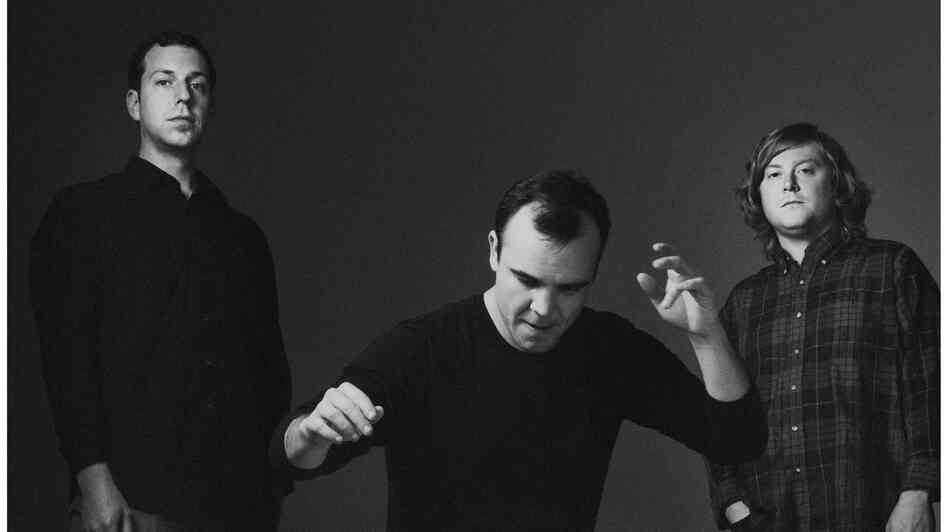
- During the lesson we were able to copy the footage onto the data disk from the two separate memory cards that we filmed on. After that we dragged all the MP4s onto the timeline, leaving the photos still in our group folder, avoiding confusion when editing. We then briefly looked over the individual shots and discussed how we would start the film. This is when we realised that starting to edit and then finding a song to fit with the footage was impractical so we started searching for music to fit with the seaside vibe, with MGMT and Future Islands being potential candidates.
MGMT

Future Islands
Challenges
- The first issue we encountered was that some of our initial shots were filmed on a second memory card. Copying it into the same folder as the footage from the first memory card was in proved difficult as the card was different and so the format in which the footage was stored was different.
- The second challenge wasn't a technical one but a choice of music. This took up a large proportion of the lesson because to find a song with the right build up and tone to suit our footage was tricky, not to mention addictive.
Reflection
- Looking through the footage helped us see our strengths and weaknesses as amateur film makers. With easy comparison and playback we could see which shots look good, which don't, and learn from it.
- The one hour lesson reminded us that time would be the limiting factor of our production, and that if we were to succeed we would have to make the most of the feedback and interaction we get from the teachers during the lesson.
- To prevent time wasting we should discuss what we're planning on doing before the lesson on Facebook messenger.


No comments:
Post a Comment